Your ideas.
A little guidance.
From your first brief to a considered handoff.
Find your way around CLM Studio.
New to Studio? Request early access
Start with an idea.
Make it a story.
A practical guide to your first project, from the brief to a preview you can explore.
Let’s get started A short, guided introduction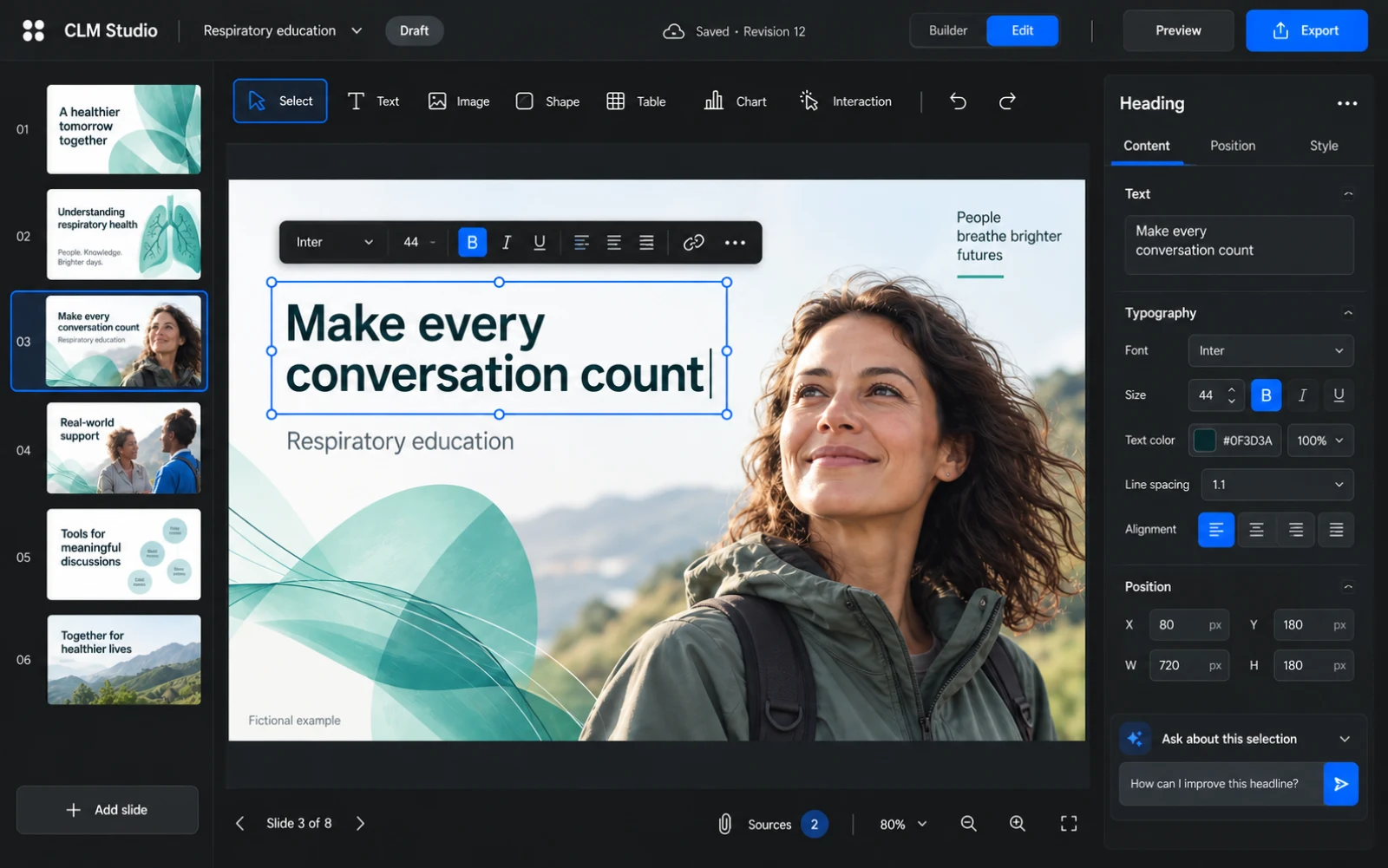
Find a tool.
Toolbar guideA good place to begin.
All guidesChoose a starting point
Understand AI, Blank, Template and Markdown import.
Write a useful AI brief
Give Studio enough context to produce a reviewable first proposal.
Add, edit and format text
Work directly on the slide and save the text you intend to keep.
Builder, Edit & Preview
Understand conversation, proposals, builds and the saved presentation.
Build your understanding.
33 practical guidesGetting started
5 guidesEverything you need for a thoughtful first project.
Create & edit
7 guidesShape the words, the layout and the details.
Media & interactions
6 guidesBring the story to life, one interaction at a time.
Personalize & reuse
5 guidesMake the conversation relevant and reuse your best work.
Review & handoff
3 guidesTry the whole experience and prepare the next step.
Workspace & settings
4 guidesUnderstand providers, usage, access and project configuration.
Reference & support
3 guidesFind an answer, understand a term, get a little help.
See the possibilities.
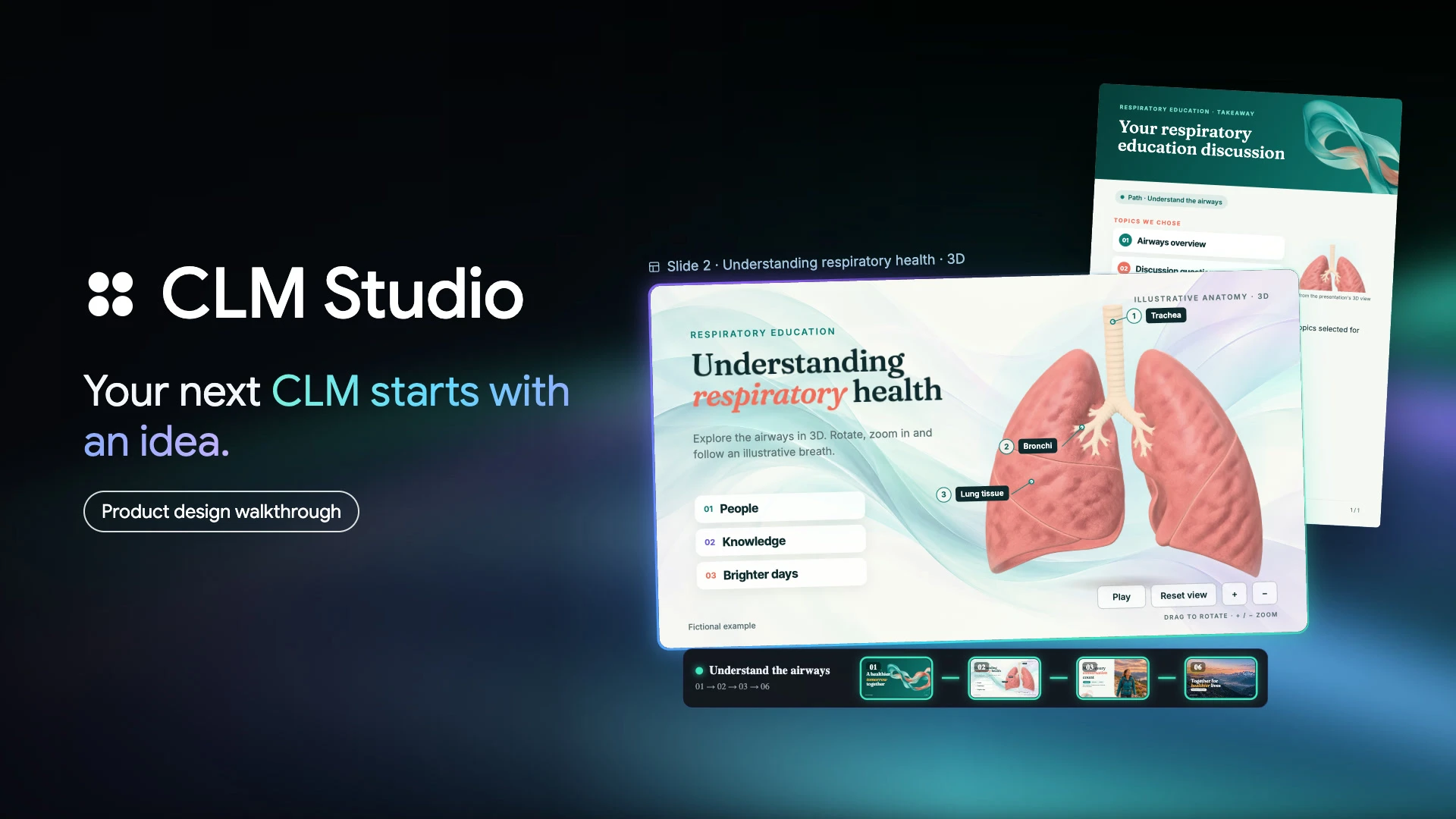
Explore the creative direction behind CLM Studio in a narrated product walkthrough.
Watch the filmA product design walkthrough with fictional content.
 2:27
2:27A little look ahead.
See the ideas taking shape and what they could mean for your next project.